
Pad set finder
Pick the connector shape on your lead wire and the finder points straight to the pad sets that plug into it.
One. What is in your drawer
Pick the unit the pads have to reach. If the machine is unlabelled, take the last option and read the connector column instead.
Two. Which piece are you after
The number beside each line is how many packs on that shelf reach the unit you picked. Shelves with nothing to offer drop out.
Match pads to your device
The connector at the end of your lead wire decides what fits. Pin sockets, snap studs, and magnetic bases do not mix, so matching the connection style comes before picking a pad shape.
DOMAS units
Pads and spares for the units we build ourselves, including the two 24 mode machines and the belt.
TENS 7000 and other 2 mm pin units
The 2.0 mm pin is the most common terminal on the shelf. If your lead ends in a bare metal post, these are your packs.
Omron PM series
Omron PM series leads end in a snap. These packs carry the matching stud in the sizes those units expect.
PowerDot 2.0
The PowerDot 2.0 connector holds by magnet, so its pads carry a raised magnetic contact rather than a socket or a stud. One pack here is cut for it.
Catalog shelves by piece
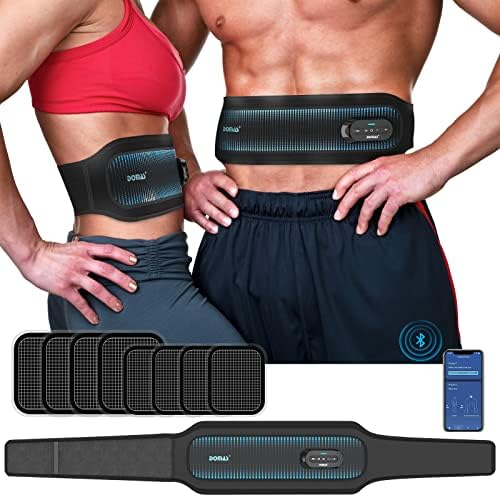
TENS and EMS devices
4 pieces
Handheld pulse units and the wearable belt, each one shipped as a kit with leads, pads and a way to store them flat.
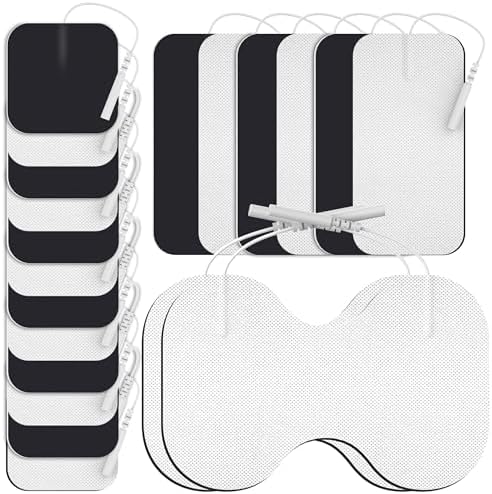
Pin connector pads
4 pieces
Gel pads with a tail socket that a 2.0 mm pin slides into. Squares, wide rectangles and lumbar shapes.
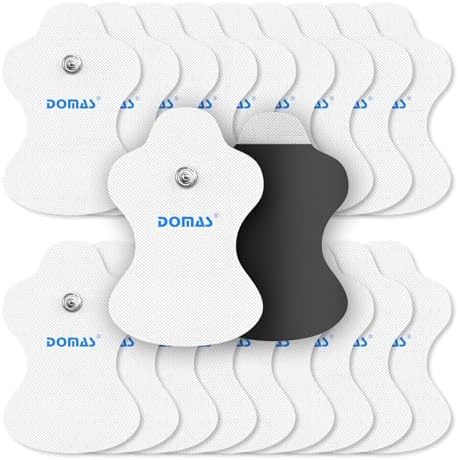
Snap connector pads
3 pieces
Pads that meet the lead on a raised contact instead of a socket: the snap stud an Omron PM lead presses onto, and the magnetic base a PowerDot 2.0 pod sits on.